Decode a VIN with Car List API
Set up VIN Decoder Beta access, send a valid VIN, understand the normalized response, monitor usage, and handle common errors safely.
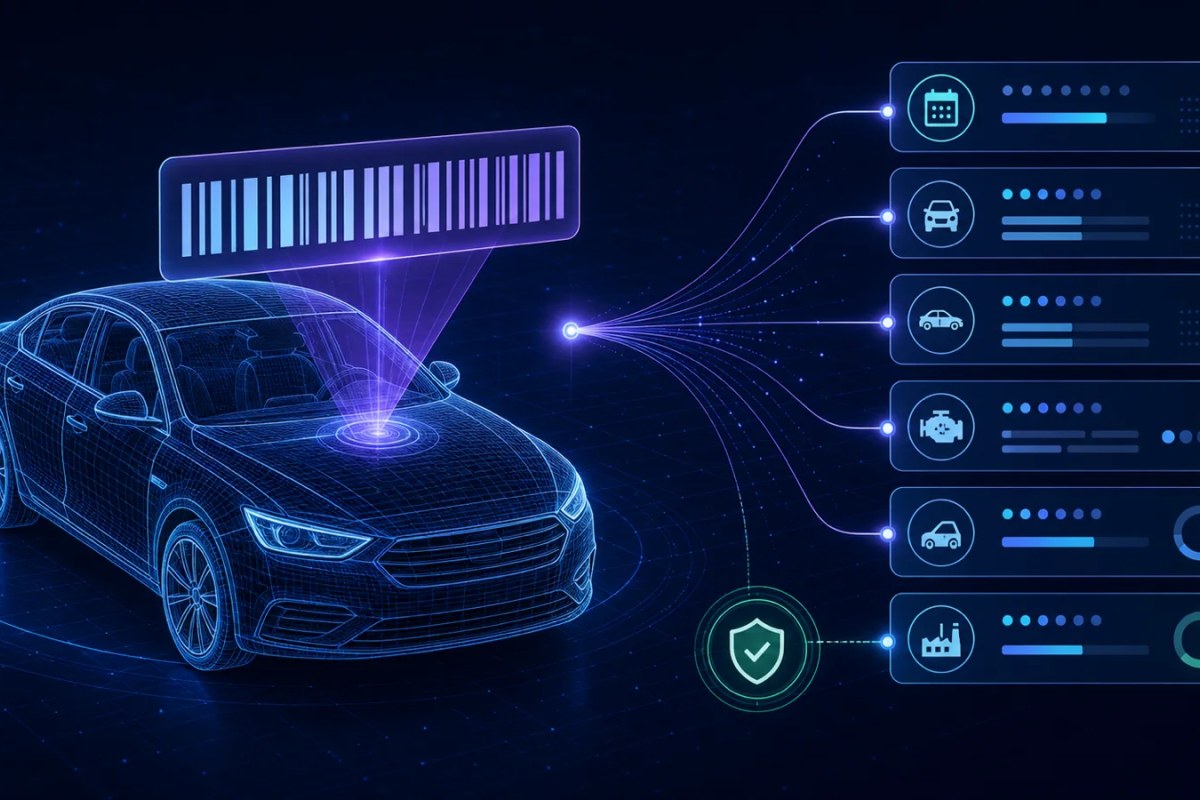
VIN Decoder Beta turns a valid 17-character Vehicle Identification Number into normalized vehicle information through the Car List API v1 endpoint.
This guide explains how to confirm access, prepare a VIN, make the request, interpret partial results, monitor your allowance, and handle errors in a production integration.
Before you begin
You will need:
A Car List API account with an active eligible subscription
A plan that includes VIN Decoder Beta access and a VIN decode allowance
An active API token
The requesting server's public outbound IP address added to the token allowlist
A server-side application or API testing tool that can send an authenticated JSON request
Sign in to the Car List API dashboard to review your plan, VIN Decoder access, remaining usage, and API tokens.
Keep your token on the server. Do not place it in browser JavaScript, a mobile application bundle, a URL, a public repository, screenshots, logs, or support messages.
The VIN Decoder endpoint
Send a POST request to:
https://carlistapi.com/api/v1/vin-decoder/decodeInclude your token as a Bearer token and send a JSON request body.
Field | Required | Rules |
|---|---|---|
vin | Yes | Must normalize to exactly 17 characters and may not contain the letters I, O, or Q |
model_year | No | Integer from 1980 through the current year plus two |
The API trims the VIN, removes spaces and hyphens, and converts letters to uppercase before validation. Sending the canonical 17-character value without separators is still recommended.
Provide model_year only when you already know it. The additional context can help decoding, but an incorrect year can produce an inaccurate match or a failed decode.
Decode a VIN with cURL
curl -X POST "https://carlistapi.com/api/v1/vin-decoder/decode" \
    -H "Authorization: Bearer YOUR_API_TOKEN" \
    -H "Accept: application/json" \
    -H "Content-Type: application/json" \
    -d '{"vin":"1HGCM82633A004352","model_year":2003}'
Replace YOUR_API_TOKEN with your server-side token. Run the request from a server whose public outbound IP is permitted by that token.
You may omit model_year when it is unknown:
{
    "vin": "1HGCM82633A004352"
}
Decode a VIN with an SDK
The official PHP clients expose VIN decoding through the same authenticated API.
Laravel SDK
use CodebyRay\CarListApiLaravel\Facades\CarListApi;

$vehicle = CarListApi::vinDecoder()
    ->decode('1HGCM82633A004352', modelYear: 2003)
    ->data;
See Install and use the Car List API Laravel SDK for configuration and authentication instructions.
PHP SDK
use CodebyRay\CarListApi\CarListApi;

$carList = new CarListApi(
    token: getenv('CAR_LIST_API_TOKEN'),
);

$vehicle = $carList->vinDecoder()
    ->decode('1HGCM82633A004352', modelYear: 2003)
    ->data;
See Install and use the Car List API PHP SDK for the complete setup process.
Understand a successful response
A successful decode returns HTTP 200 and a normalized JSON object at the response root.
{
    "vin": "1HGCM82633A004352",
    "vehicle": "2003 HONDA Accord EX-V6",
    "year": 2003,
    "make": "HONDA",
    "model": "Accord",
    "trim": "EX-V6",
    "vehicleType": "PASSENGER CAR",
    "bodyClass": "Coupe",
    "driveType": null,
    "fuelType": "Gasoline",
    "engineCylinders": 6,
    "engineDisplacementLiters": 3,
    "transmissionStyle": "Automatic",
    "manufacturer": "AMERICAN HONDA MOTOR CO., INC.",
    "plantCountry": "UNITED STATES (USA)",
    "attributes": {
        "gVWR": "Class 1C: 4,001 - 5,000 lb (1,814 - 2,268 kg)",
        "make": "HONDA",
        "trim": "EX-V6",
        "doors": 2,
        "model": "Accord",
        "gVWRTo": "Class 1: 6,000 lb or less (2,722 kg or less)",
        "makeID": 474,
        "bedType": "Not Applicable",
        "busType": "Not Applicable",
        "modelID": 1861,
        "engineHP": 240,
        "nCSAMake": "Honda",
        "bodyClass": "Coupe",
        "modelYear": 2003,
        "nCSAModel": "Accord (Note: For Crosstour model years 2010 and 2011 only. For Crosstour model years 2012-2015, see vehicle model 37-405)",
        "plantCity": "MARYSVILLE",
        "plantState": "OHIO",
        "bodyCabType": "Not Applicable",
        "engineModel": "J30A4",
        "trailerType": "Not Applicable",
        "vehicleType": "PASSENGER CAR",
        "manufacturer": "AMERICAN HONDA MOTOR CO., INC.",
        "nCSABodyType": "2-door sedan,hardtop,coupe",
        "plantCountry": "UNITED STATES (USA)",
        "seatBeltsAll": "Manual",
        "airBagLocSide": "1st Row (Driver and Passenger)",
        "displacementL": 2.998832712,
        "airBagLocFront": "1st Row (Driver and Passenger)",
        "displacementCC": 2998.832712,
        "displacementCI": 183,
        "manufacturerId": 988,
        "engineCylinders": 6,
        "fuelTypePrimary": "Gasoline",
        "trailerBodyType": "Not Applicable",
        "airBagLocCurtain": "1st and 2nd Rows",
        "valveTrainDesign": "Single Overhead Cam (SOHC)",
        "transmissionStyle": "Automatic",
        "vehicleDescriptor": "1HGCM826*3A",
        "busFloorConfigType": "Not Applicable",
        "transmissionSpeeds": 5,
        "engineConfiguration": "V-Shaped",
        "customMotorcycleType": "Not Applicable",
        "motorcycleChassisType": "Not Applicable",
        "motorcycleSuspensionType": "Not Applicable",
        "otherRestraintSystemInfo": "Seat Belt (Rr center position)"
    }
}
The vehicle field is a convenient display value assembled from the available year, make, model, and trim. Use the individual fields when your application needs structured data.
The attributes object can contain additional provider-supplied specifications that are not part of the normalized top-level fields. Treat its keys as optional and check that a value exists before using it.
Expect partial results
Not every valid VIN resolves every vehicle attribute. Older vehicles, specialty vehicles, incomplete source records, and manufacturer differences can all affect the available data.
Fields such as trim, drivetrain, fuel type, engine, transmission, manufacturing location, or individual attributes may be null or absent from the attributes object. A successful response does not guarantee that every optional field is populated.
Your application should:
Preserve the values that were returned
Display a clear fallback such as “Not available” for missing optional values
Avoid replacing known user-provided information with an empty decoded value
Never invent a make, model, trim, engine, or specification
Avoid assuming that every VIN represents a passenger car
How VIN Decoder usage works
VIN Decoder usage is separate from the standard automotive and powersports data API allowance. Reaching one allowance does not automatically exhaust the other.
Every successful customer decode counts toward the VIN Decoder allowance, including a result served from cache. Invalid VINs, unsuccessful decodes, and temporary provider failures release the reserved usage and do not consume the allowance.
Unused decodes do not roll over. You can monitor the current limit, used amount, remaining amount, and reset period from the dashboard.
## Handle errors by status code
Do not treat errors as successful empty vehicle responses. Handle each status according to its meaning.
Status | Meaning | Recommended action |
|---|---|---|
401 | The API token is missing, invalid, expired, or revoked | Correct or rotate the token before retrying |
403 | The account, subscription, VIN entitlement, API access, or requesting IP is not permitted | Review the account, plan, token, and IP allowlist in the dashboard |
422 | The VIN or model year is invalid, or the provider could not decode the VIN | Correct the input or ask the user to verify the VIN; do not retry unchanged input |
429 | | The VIN Decoder allowance is exhausted | Wait until |
502 | The upstream decoder is temporarily unavailable | Retry with limited exponential backoff and show a temporary-error message |
A 429 response includes useful quota context:
{
    "error": "Your monthly VIN decode limit has been reached.",
    "limit": 100,
    "used": 100,
    "remaining": 0,
    "reset_at": "2026-09-01T00:00:00-07:00"
}
Treat these example values as illustrative. Use the values returned to your account at runtime.
Common validation problems
The VIN is not 17 characters
Modern VIN decoding requires exactly 17 characters after spaces and hyphens are removed. Ask the user to compare the value with the vehicle or its documentation. Do not silently truncate an overlong value or pad a short value.
The VIN contains I, O, or Q
VINs exclude the letters I, O, and Q to avoid confusion with the digits 1 and 0. Ask the user to check for a transcription error instead of automatically substituting a character.
The VIN is valid but cannot be decoded
A correctly formatted VIN can still lack sufficient provider data. Return a clear “could not decode” state and preserve any vehicle information the user already entered.
The request works locally but fails in production
Check the production server's public outbound IP address against the token allowlist. The IP your browser uses is not necessarily the IP used by your production server.
Production checklist
Send VIN requests from your server, never directly from public browser code
Store the API token in an environment variable or secret manager
Add every production server's public outbound IP to the token
Normalize and validate the VIN before making the request
Use the optional model year only when it is known
Treat response fields and attributes as nullable
Handle
401,403,422,429, and502separatelyRetry only temporary failures, with a small limit and exponential backoff
Monitor VIN Decoder usage in the dashboard
Avoid logging complete API tokens or unnecessary customer vehicle information
Frequently asked questions
Does VIN Decoder usage reduce my automotive API allowance?
No. VIN Decoder and vehicle-data requests have separate allowances.
Does a cached VIN result count?
Yes. Every successful customer decode counts, whether the result came from cache or the upstream provider.
Does an invalid or failed VIN consume usage?
No. Failed decodes release their reserved usage and do not consume the VIN Decoder allowance.
Why are some successful response fields null?
The source may not provide every specification for every VIN. Car List API preserves partial results instead of fabricating missing data.
Can I decode VINs from browser JavaScript?
Your browser can call your own protected backend, but the Car List API token and VIN Decoder request should remain server-side. Exposing a production token in browser code allows it to be copied and misused.
Next steps
- Review the complete VIN Decoder API documentation
- Visit the dashboard to review access, usage, and API tokens
- Read Get started with Car List API
- Contact the Car List API team if you need help interpreting a response or planning a VIN workflow
Did you find this article helpful?
Your feedback helps us make the next answer clearer.