Get started with Car List API
Create your API access, secure a server-side token, and make your first authenticated automotive request with Car List API.
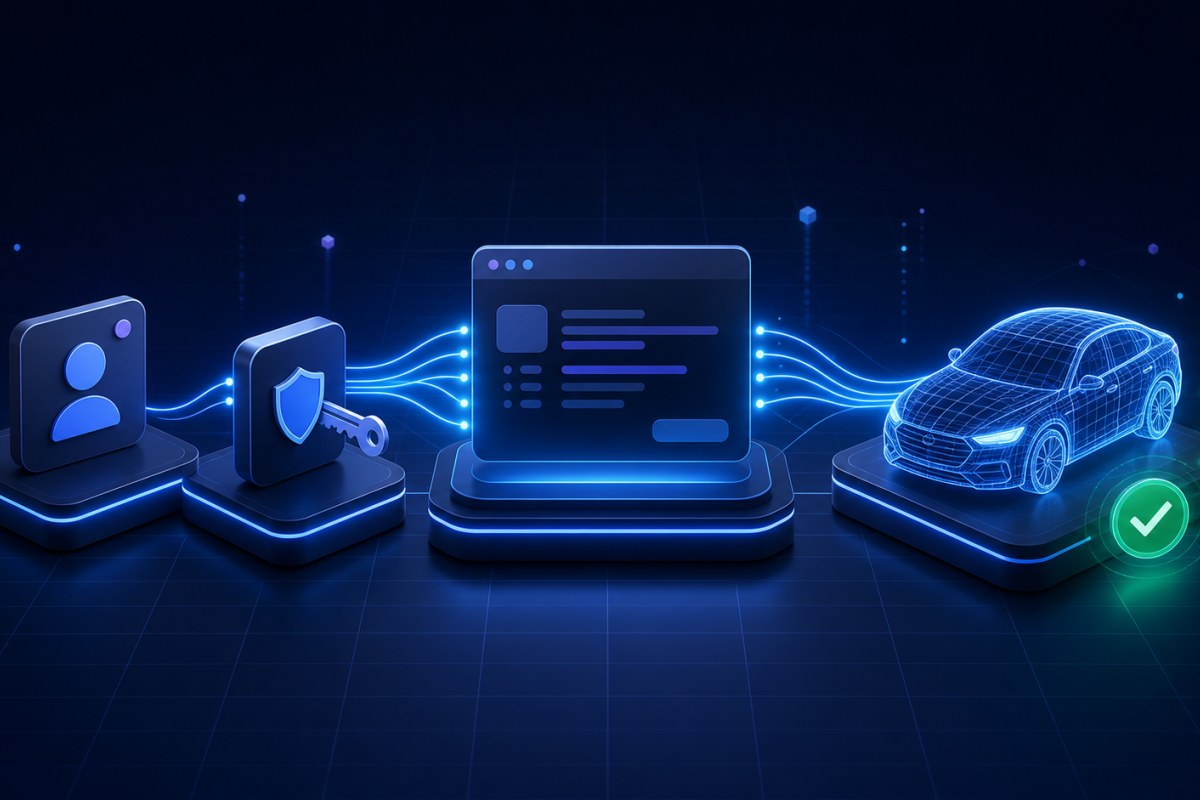
Car List API provides authenticated automotive, powersports, and VIN decoding services through a versioned JSON API. This guide takes you from account setup to your first successful production request.
Before you begin
You will need:
A Car List API account
An active plan with access to the product you want to use
The public outbound IP address of the server that will make API requests
A server-side application or API testing tool that can send HTTPS requests
You can explore sample vehicle lookups on the API demo before setting up authenticated production access.
1. Choose a plan
Your plan controls which products you can access and how much API and VIN Decoder usage is included.
Review the available options on the pricing page, then activate the plan that fits your expected request volume and product requirements.
Automotive and powersports requests count toward your data API allowance. Successful VIN decodes use a separate VIN Decoder allowance.
2. Create an API token
Sign in to your Car List API dashboard and open the API token manager.
When creating the token:
Give it a descriptive name, such as
Production APIorStaging Server.Add the public outbound IP address of every server that will use it.
Set an appropriate expiration date.
Copy the token when it is displayed and store it in your application's environment or secret manager.
Treat the token like a password. Do not place it in browser JavaScript, mobile application code, URLs, public repositories, screenshots, logs, or support messages.
If a token is exposed, revoke it from the dashboard and create a replacement.
3. Make your first request
All production v1 requests use this base URL:
https://carlistapi.com/api/v1Send the token in the Authorization header and request a JSON response:
curl "https://carlistapi.com/api/v1/car-data/get-years/asc" \
    -H "Authorization: Bearer YOUR_API_TOKEN" \
    -H "Accept: application/json"
Replace YOUR_API_TOKEN with the token you created. Run the request from a server whose public IP is included on the token.
A successful request returns HTTP 200 and a JSON list of the supported automotive years. Successful lookup data is returned directly at the JSON root rather than inside a data
4. Follow the vehicle lookup flow
Vehicle selections are dependent. Use values returned by one request as inputs to the next request instead of accepting arbitrary combinations.
Automotive
The typical automotive lookup sequence is:
Year → Make → Model → Trim → Engine → Vehicle UUID → Full detailsFor example:
GET /car-data/get-years/asc
GET /car-data/get-makes/2026/asc
GET /car-data/get-models/2026/Toyota/asc
Continue through trims and engines, resolve the vehicle UUID, and then request the complete normalized vehicle record.
Powersports
The typical powersports sequence is:
Type → Year → Make → Model → Sub-model → Vehicle UUID → Full detailsType-filtered endpoints are useful when your interface starts with a category such as motorcycle, ATV, or utility vehicle.
Always URL-encode dynamic values such as makes, models, trims, engines, and powersports types before placing them in a request path.
5. Use an SDK if you prefer
You can call the API directly over HTTPS or use one of the Car List API PHP clients:
Install and use the Car List API Laravel SDK for Laravel applications.
Install and use the Car List API PHP SDK for plain PHP, Symfony, Slim, WordPress, and other Composer-based projects.
Both SDKs cover authenticated automotive, powersports, and VIN Decoder endpoints and provide typed responses and structured exceptions.
Understand common responses
Handle HTTP status codes according to their meaning:
200: The request succeeded.
401: The token is missing, invalid, expired, or revoked.
403: The account, subscription, product access, API access, or request IP is not permitted.
422: One or more request values are invalid, or the requested VIN could not be decoded.
429: The applicable usage allowance has been reached. Wait until the returned reset time before retrying.
5xx: An unexpected server or upstream service error occurred. Retry transient failures with limited exponential backoff.
Do not treat an error as a successful empty result. Log enough safe context to diagnose the request, but never log the complete API token.
Before going to production
Keep API requests and tokens on your server.
Add every production server's outbound IP to the token allowlist.
Use HTTPS for every request.
Validate and URL-encode dynamic path values.
Handle authentication, authorization, validation, quota, and server errors separately.
Cache stable discovery data when appropriate.
Avoid sending a request on every user keystroke.
Monitor API and VIN usage from the dashboard.
Rotate tokens periodically and immediately after suspected exposure.
Next steps
Read the complete API documentation for every endpoint, request field, and response.
Explore the automotive and powersports demo.
Learn how to install the Laravel SDK or PHP SDK.
Visit your dashboard to manage tokens and monitor usage.
Contact the Car List API team if you need help mapping your integration.
Did you find this article helpful?
Your feedback helps us make the next answer clearer.