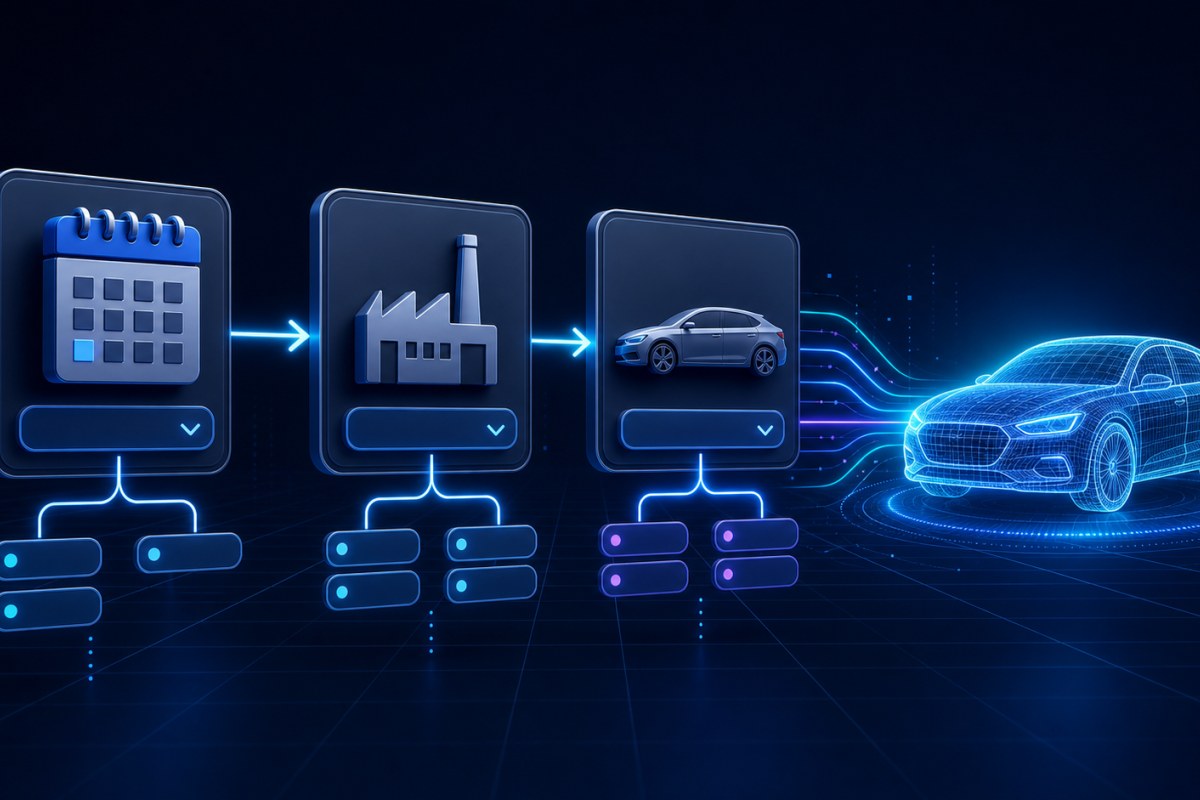
A vehicle selector looks simple: choose a year, then a make, then a model. The important part is preserving the relationship between those values. A model should only be selectable when it exists for the chosen make and year.
This guide builds that dependent flow with Car List API while keeping API credentials on the server, preventing stale selections, caching stable data, and handling failures without leaving the interface in an inconsistent state.
What we are building
The selector follows this dependency chain:
Year → Make available in that year → Model available for that year and makeEach selection determines the valid options for the next field:
Load supported years when the page opens.
After a year is selected, load only makes available for that year.
After a make is selected, load only models available for that year and make.
Clear downstream values whenever an earlier selection changes.
The same pattern can later continue through trim, engine, vehicle UUID, and full vehicle details.
Before you begin
You will need an active Car List API plan, a server-side API token, and your production server's public outbound IP added to that token's allowlist.
Never expose the token in browser JavaScript. The browser should call your application, and your application should make the authenticated Car List API request.
You can use direct HTTPS requests or one of the supported clients:
The automotive endpoints
The selector uses these authenticated v1 endpoints:
GET /api/v1/car-data/get-years/{sort?}
GET /api/v1/car-data/get-makes/{year}/{sort?}
GET /api/v1/car-data/get-models/{year}/{make}/{sort?}
For example:
curl "https://carlistapi.com/api/v1/car-data/get-years/desc" \
    -H "Authorization: Bearer YOUR_API_TOKEN" \
    -H "Accept: application/json"
Successful responses are JSON arrays returned directly at the root:
[
    { "year": "2026" },
    { "year": "2025" }
]
The makes and models endpoints follow the same structure:
[
    { "make": "Toyota" },
    { "make": "Volvo" }
]
[
{ "model": "Camry" },
{ "model": "Corolla" }
]Add server-side endpoints to your application
Your frontend needs three endpoints in your own application:
GET /vehicle-options/years
GET /vehicle-options/makes?year=2026
GET /vehicle-options/models?year=2026&make=Toyota
These endpoints form a secure boundary. They validate browser input, call Car List API with the server-side token, cache successful results, and return only the data needed by the selector.
The following Laravel example uses the Car List API Laravel SDK.
Routes
use App\Http\Controllers\VehicleOptionsController;
use Illuminate\Support\Facades\Route;

Route::prefix('vehicle-options')->group(function (): void {
    Route::get('/years', [VehicleOptionsController::class, 'years']);
    Route::get('/makes', [VehicleOptionsController::class, 'makes']);
    Route::get('/models', [VehicleOptionsController::class, 'models']);
});
Apply your application's normal session authentication, rate limiting, and authorization middleware when these options should not be public.
Controller
<?php

namespace App\Http\Controllers;

use CodebyRay\CarListApiLaravel\Facades\CarListApi;
use Illuminate\Http\JsonResponse;
use Illuminate\Http\Request;
use Illuminate\Support\Facades\Cache;

final class VehicleOptionsController
{
    public function years(): JsonResponse
    {
        $years = Cache::remember(
            'vehicle-options:years:desc',
            now()->addHours(12),
            fn () => CarListApi::automotive()->years()->data,
        );

        return response()->json($years);
    }

    public function makes(Request $request): JsonResponse
    {
        $validated = $request->validate([
            'year' => ['required', 'integer', 'digits:4'],
        ]);

        $year = (int) $validated['year'];

        $makes = Cache::remember(
            "vehicle-options:makes:{$year}:asc",
            now()->addHours(6),
            fn () => CarListApi::automotive()->makes($year)->data,
        );

        return response()->json($makes);
    }

    public function models(Request $request): JsonResponse
    {
        $validated = $request->validate([
            'year' => ['required', 'integer', 'digits:4'],
            'make' => ['required', 'string', 'max:100'],
        ]);

        $year = (int) $validated['year'];
        $make = trim($validated['make']);
        $makeKey = hash('sha256', mb_strtolower($make));

        $models = Cache::remember(
            "vehicle-options:models:{$year}:{$makeKey}:asc",
            now()->addHours(6),
            fn () => CarListApi::automotive()->models($year, $make)->data,
        );

        return response()->json($models);
    }
}
SDK exceptions escape the cache callback, so failed API requests are not stored as successful empty responses. Handle those exceptions with your application's exception handler and return a safe status and message to the browser.
If you use direct HTTP requests instead of an SDK, URL-encode every dynamic path segment with the appropriate function for your language. For PHP, use rawurlencode() for values such as make and model.
Build the selector interface
Start with properly labeled selects. Disable each dependent field until its parent has a valid selection.
<div>
    <label for="vehicle-year">Year</label>
    <select id="vehicle-year">
        <option value="">Choose a year</option>
    </select>
</div>

<div>
    <label for="vehicle-make">Make</label>
    <select id="vehicle-make" disabled>
        <option value="">Choose a make</option>
    </select>
</div>

<div>
    <label for="vehicle-model">Model</label>
    <select id="vehicle-model" disabled>
        <option value="">Choose a model</option>
    </select>
</div>

<p id="vehicle-selector-status" role="status" aria-live="polite"></p>
The live status element announces loading and error states to assistive technology without moving focus away from the current field.
Connect the dependent fields
This browser-side example calls only the three endpoints in your own application. The Car List API token never reaches the browser.
const yearSelect = document.querySelector('#vehicle-year');
const makeSelect = document.querySelector('#vehicle-make');
const modelSelect = document.querySelector('#vehicle-model');
const status = document.querySelector('#vehicle-selector-status');

function resetSelect(select, placeholder) {
    select.replaceChildren(new Option(placeholder, ''));
    select.disabled = true;
}

function populateSelect(select, rows, property, placeholder) {
    select.replaceChildren(new Option(placeholder, ''));

    for (const row of rows) {
        const value = row[property];

        if (typeof value === 'string' && value.trim() !== '') {
            select.add(new Option(value, value));
        }
    }

    select.disabled = select.options.length === 1;
}

async function getJson(url) {
    const response = await fetch(url, {
        headers: { Accept: 'application/json' },
    });

    if (!response.ok) {
        throw new Error(`Request failed with status ${response.status}`);
    }

    return response.json();
}

async function loadYears() {
    status.textContent = 'Loading vehicle years…';

    try {
        const years = await getJson('/vehicle-options/years');
        populateSelect(yearSelect, years, 'year', 'Choose a year');
        status.textContent = '';
    } catch (error) {
        resetSelect(yearSelect, 'Years unavailable');
        status.textContent = 'Vehicle years could not be loaded. Please try again.';
    }
}

yearSelect.addEventListener('change', async () => {
    resetSelect(makeSelect, 'Choose a make');
    resetSelect(modelSelect, 'Choose a model');

    if (!yearSelect.value) {
        return;
    }

    status.textContent = 'Loading makes…';

    try {
        const query = new URLSearchParams({ year: yearSelect.value });
        const makes = await getJson(`/vehicle-options/makes?${query}`);
        populateSelect(makeSelect, makes, 'make', 'Choose a make');
        status.textContent = makes.length ? '' : 'No makes were found for that year.';
    } catch (error) {
        resetSelect(makeSelect, 'Makes unavailable');
        status.textContent = 'Vehicle makes could not be loaded. Please try again.';
    }
});

makeSelect.addEventListener('change', async () => {
    resetSelect(modelSelect, 'Choose a model');

    if (!yearSelect.value || !makeSelect.value) {
        return;
    }

    status.textContent = 'Loading models…';

    try {
        const query = new URLSearchParams({
            year: yearSelect.value,
            make: makeSelect.value,
        });
        const models = await getJson(`/vehicle-options/models?${query}`);
        populateSelect(modelSelect, models, 'model', 'Choose a model');
        status.textContent = models.length ? '' : 'No models were found for that selection.';
    } catch (error) {
        resetSelect(modelSelect, 'Models unavailable');
        status.textContent = 'Vehicle models could not be loaded. Please try again.';
    }
});

loadYears();
Using new Option() assigns text safely and avoids building option markup from API values. URLSearchParams correctly encodes query values sent to your own backend.
Reset downstream state immediately
When the year changes, the previously selected make and model are no longer trustworthy. Clear both before loading new makes.
When the make changes, clear the previous model before loading new models.
This prevents a form from temporarily holding an impossible combination such as:
2026 + a make from 2025 + a model from another manufacturerApply the same rule when extending the selector: changing a model clears trim, engine, and vehicle UUID; changing a trim clears engine and vehicle UUID.
Validate relationships on the server
Disabled selects and browser validation improve the experience, but they are not a security boundary. A client can submit any values directly.
On final form submission:
Validate that the year has an acceptable four-digit format.
Confirm that the submitted make appears in the available makes for that year.
Confirm that the submitted model appears in the available models for that year and make.
Reject values that are not part of the current dependency chain.
Do not trust hidden fields or previously loaded options as proof that a relationship is valid.
Cache by every meaningful input
Years, makes, and models are good candidates for caching because they are discovery data and are requested repeatedly.
Each cache key must contain every input that changes the result:
vehicle-options:years:desc
vehicle-options:makes:2026:asc
vehicle-options:models:2026:{normalized-make-hash}:asc
Do not use one generic models key. It would allow models from one year or make to appear for another selection.
Choose a cache duration that fits your application. Several hours is a reasonable starting point for discovery lists. If immediate visibility after a scheduled dataset refresh matters, clear your application cache after the refresh or use a shorter duration.
Only cache successful responses. Do not convert authentication, authorization, quota, or server failures into empty arrays and then cache them.
Handle failures deliberately
Your server-side integration should distinguish these conditions:
401 Unauthorized: Check whether the API token is missing, expired, revoked, or invalid.
403 Forbidden: Check the account, subscription, product entitlement, API access status, and token IP allowlist.
422 Unprocessable Entity: Reject invalid input and prompt the user to make the selection again.
429 Too Many Requests: Stop retrying until the returned reset time.
5xx or network failure: Retry only transient failures with limited exponential backoff.
The browser should receive a safe, useful message—not the token, upstream response headers, stack trace, or internal server details.
Avoid silently presenting an empty dropdown for every failure. “No models exist for this selection” and “the service could not load models” are different states and should be communicated differently.
Prevent stale network responses
Users can change selections quickly. A slow response for an earlier year could arrive after a faster response for the current year.
For high-traffic or latency-sensitive interfaces, cancel the previous request with AbortController or attach a request identifier and ignore responses that no longer match the current selection.
Always compare the response context to the active year and make before updating the model list.
Continue to full vehicle details
Once year, make, and model are working, extend the same dependency pattern:
GET /car-data/get-trims/{year}/{make}/{model}/{sort?}
GET /car-data/get-engines/{year}/{make}/{model}/{trim}/{sort?}
GET /car-data/get-vehicle-id/{year}/{make}/{model}/{trim}/{engine}
GET /car-data/get-details/{uuid}
Production checklist
Keep the Car List API token on your server.
Restrict the token to your production outbound IP addresses.
Reset every downstream selection when a parent changes.
Validate the complete dependency chain on final submission.
URL-encode dynamic path segments.
Cache successful discovery responses with correctly scoped keys.
Distinguish empty results from request failures.
Handle
401,403,422,429, and5xxresponses separately.Prevent stale responses from replacing newer selections.
Monitor usage and remaining allowance from the Car List API dashboard.
Next steps
Review the complete Car List API documentation.
Install the Laravel SDK or PHP SDK.
Try the selection flow through the live API demo.
Visit the Help Center for authentication and integration guidance.
Did you find this article helpful?
Your feedback helps us make the next answer clearer.